
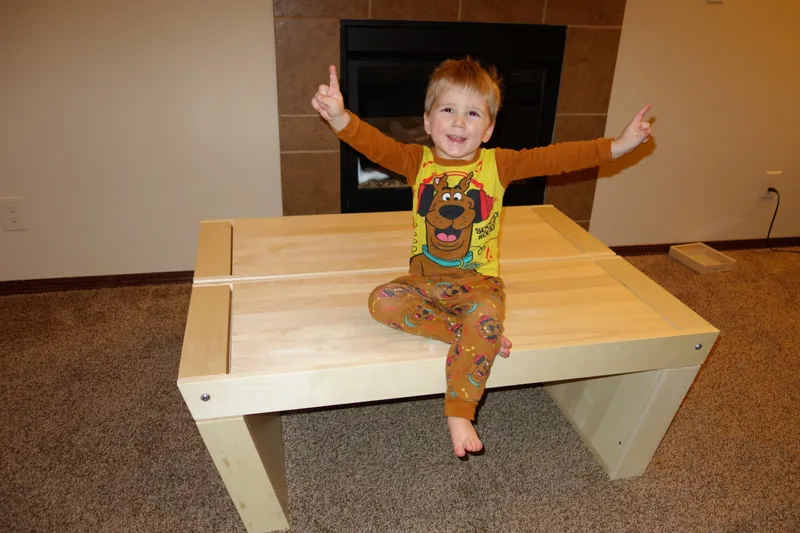
My son was little and getting into wooden trains, action figures, and LEGO bricks. I wanted to build him a play table for his birthday, large enough for tracks and blocks, but I didn't want to make single-use furniture that would end up in storage or the donation pile a year later. What if the table could grow with him?
A Multi-Purpose Idea
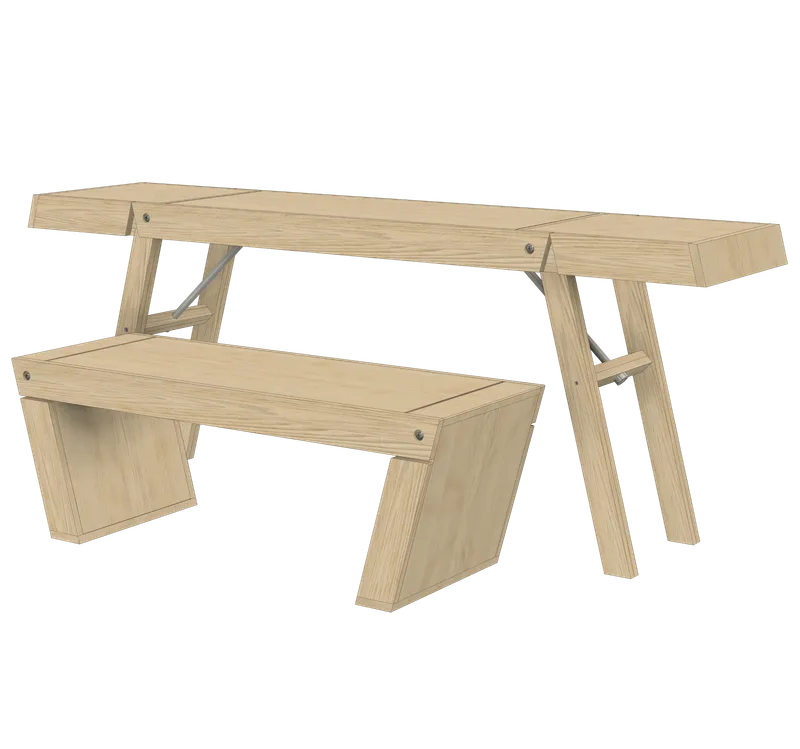
I imagined a play table for now, two benches for extra seating, and pieces that could convert into a dining-height table or study desk. The concept was modular, foldable, and reconfigurable. It sounded great in theory; I had no idea how to make the geometry work.
Enter CAD: The Digital Workbench
I had no experience with 3D modeling or CAD (computer-aided design), which is software for building a precise, measurable 3D version of an object on screen before you make it. There are plenty of programs to choose from. I picked one, downloaded it, and treated the digital space like a workshop where I could virtually cut, drill, and assemble boards.
I took notes at the hardware store about standard board sizes, hinges, bolts, and furniture hardware. Then I returned to my laptop and modeled the table piece by piece using those real-world constraints. I digitally cut boards, laid out screw and pilot holes, and practiced the assembly order. Best of all, I made plenty of mistakes without wasting any lumber.
Solving the Geometry Puzzle
The most challenging part was placing hinges so the table could fold or convert without binding or colliding with itself. I was designing moving furniture with no background in furniture making or mechanical design.
Through trial and error and some careful angle measurements, I worked out a hinge arrangement that folded without interference. Seeing the model work gave me confidence to build it for real.
From Digital to Physical
For the build, I took the digital plans to my dad's well-equipped garage. We cut, drilled, and assembled the pieces as modeled. Because the design had already been worked out in CAD, there was very little guesswork and very little wasted wood.
A Gift That Still Grows
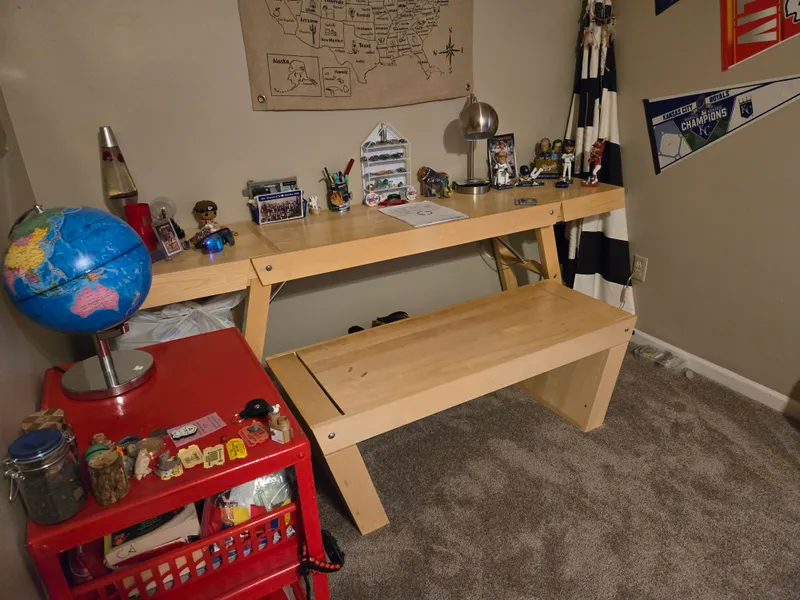
Today, the table is a study desk and bench. My son uses it for reading, drawing, and homework. It remains one of the projects I'm proudest of because it pushed me to learn something new.
That first modeling experience opened the door to fabrication, design, and electronics. CAD isn't only about precision; it's a place to test ideas and make mistakes before anything is cut or screwed together.
I'm not sharing the CAD files for this one. They're first-project quality, and some things are best appreciated only by the person who made them.
If you're trying 3D modeling for the first time, start with something that matters to you. Let the motivation carry you, and don't be afraid to make mistakes digitally first. It might change how you build.